
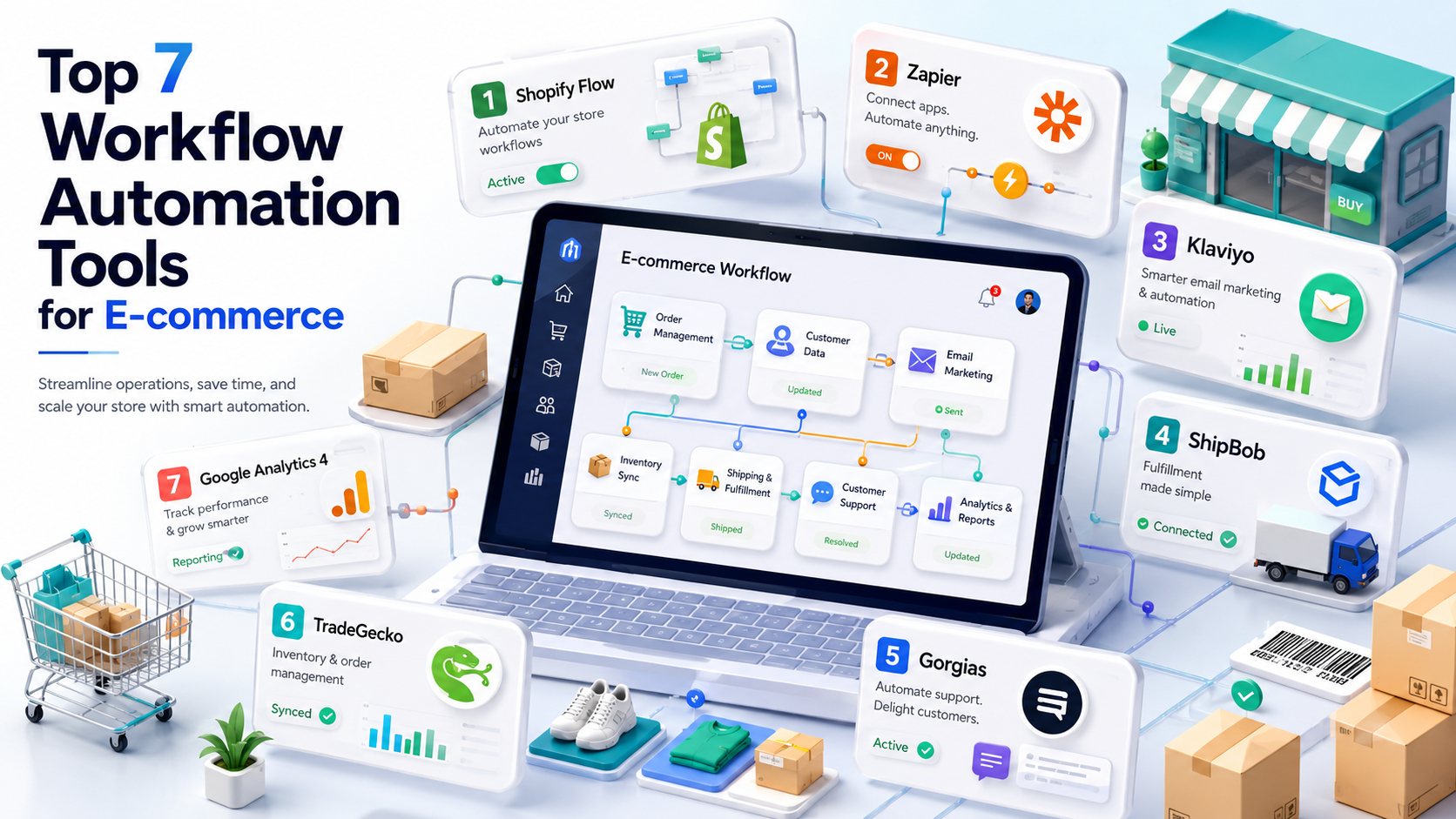
Running an online store means drowning in small repetitive tasks — tagging orders, updating inventory, chasing abandoned carts, flagging risky payments, and emailing customers who bought yesterday. Every one takes two minutes, and together they eat your week. Automation tools do that busywork for you, but the category is crowded and the pricing models are confusing enough to burn money if you pick wrong. This guide is for store owners who want the manual work gone without overpaying. We compare the five e-commerce automation tools that actually matter in 2026 — Shopify Flow, Make, Zapier, Klaviyo, and n8n — on price, what each does best, and the workflows worth automating first. No filler, just the decisions that free up your time.
Quick Answer: The Best E-commerce Automation Tool
For most growing stores, Make offers the best balance of power and price (from ~$9/month). If you sell on Shopify, start with free, built-in Shopify Flow for store rules and add Klaviyo for email. Zapier is easiest for beginners with the widest app coverage; self-hosted n8n is cheapest at high volume for technical teams.
Why E-commerce Runs on Automation
As a store grows, the manual work grows faster than you do. Managing inventory across channels, processing a rising order volume, and keeping customer communication personal quickly outpaces what any small team can handle by hand. Roughly 70% of store owners juggle two or more roles daily, and the repetitive tasks — tagging orders, updating stock, sending follow-ups, flagging fraud — pile up into hours.
Automation tools connect your store, email, and operations apps so those tasks run themselves. The key thing to understand before you buy is that these tools bill on different axes: Zapier on tasks, Make on operations, Klaviyo on contacts, and app-based tools on order volume. Two tools with the same sticker price can cost wildly different amounts once your store is busy, so the billing model matters more than the headline number. For the deeper mechanics of one common model, our breakdown of Make’s pricing shows exactly how operations translate to cost.
Shopify Flow: Start Here If You’re on Shopify
If your store runs on Shopify, Shopify Flow is the natural starting point — and for many merchants it is the only automation tool they ever need. It is free on every Shopify plan, built directly into your admin, and handles the most common in-store automations: tag orders by value, hide out-of-stock products, notify your team when inventory drops below a threshold, and flag high-risk orders for review.
Opening Flow and configuring three workflows today returns more than installing any paid app. Its limit is scope: Flow only automates within the Shopify ecosystem. The moment you need to connect Shopify to an outside tool — your accounting software, a Slack channel, an external CRM — you need one of the cross-app tools below. For power users who hit Flow’s ceiling, apps like Mechanic (from ~$16/month) add custom Liquid scripts and full API access, but most stores never need to go that far.
Make: Best Overall Value for Growing Stores
Make (formerly Integromat) is our recommended default for stores that have outgrown Flow. It connects Shopify or WooCommerce to everything else through a visual canvas, where you drag modules and branch logic without code. Paid plans start around $9/month, and it counts usage in operations (each module run is one), which makes it dramatically cheaper than Zapier at store volume — most merchants moving from Zapier to Make at the same workflow count save 60–80% on their monthly bill.
For multi-step flows — route an order to fulfillment, update inventory, tag the customer, and message your team, all in one scenario — Make’s branching is where it shines. The trade-off is a steeper learning curve than Zapier’s simple list. If you are choosing between the two big cross-app tools, our Zapier vs Make comparison settles that decision, and our roundup of Zapier alternatives puts the cheaper options side by side.
Zapier: Easiest to Start, Widest App Coverage
Zapier is the safe beginner choice. With 9,000+ app connections — more than anyone else — whatever obscure tool your store uses is probably supported, and the linear builder is the simplest to learn. If you value getting a workflow live in ten minutes over squeezing the lowest price, Zapier delivers.
The catch is cost. Zapier charges per action step and starts around $29.99/month, so a multi-step e-commerce workflow multiplies your task usage every run and the bill climbs fast as orders grow. It is the right pick when app coverage or simplicity matters more than money — but for high-volume stores, the per-step pricing is exactly why merchants migrate to Make or n8n.
Klaviyo: The Gold Standard for Store Email
Klaviyo is a different kind of tool — it automates the marketing side rather than operations, and it is the leader for behaviour-based e-commerce email and SMS. Abandoned-cart recovery, post-purchase sequences, win-back flows, and browse-abandonment emails all trigger off live store data, and it can now build entire flows from a text prompt.
It is free up to 250 profiles, with email plans from around $20/month, billed on the number of contacts you store. For most stores, Klaviyo is not a replacement for Flow or Make — it runs alongside them, owning the customer-messaging layer while the others handle operations. Abandoned-cart flows alone typically pay for the subscription many times over, which is why it is the one paid marketing tool most serious stores keep.
n8n: Cheapest at Scale for Technical Teams
n8n suits stores with a developer or technical founder who wants control and low costs at high volume. It bills per workflow execution rather than per step, and because it is open source you can self-host it on your own server for only the infrastructure cost — often a few dollars a month for effectively unlimited runs. You also keep all your order and customer data on your own hardware.
The trade-off is setup and maintenance: self-hosting is not plug-and-play, so it fits technical teams rather than solo merchants who just want workflows to run. If that is you, our guide to self-hosting n8n covers the full production setup, and there is a managed n8n Cloud tier if you want the model without the server admin.
E-commerce Automation Tools Compared
| Tool | Starting price | Best for | Billed by |
|---|---|---|---|
| Shopify Flow | Free | In-store Shopify rules | Included |
| Make | ~$9/mo | Best overall value | Operations |
| Zapier | ~$29.99/mo | Beginners, app coverage | Action step |
| Klaviyo | Free–$20/mo | Email & abandoned carts | Contacts |
| n8n | Free self-hosted | Technical teams, scale | Execution |
The Highest-ROI Workflows to Automate First
The most valuable automations are the boring ones, not the flashy ones. Start with these — each removes a recurring manual task that quietly costs you hours or money:
- Abandoned-cart recovery. The single highest-ROI flow in e-commerce. A triggered email (or SMS) sequence to shoppers who left items behind recovers revenue you have already earned the interest for. This is Klaviyo’s home turf.
- Order tagging and routing. Automatically tag VIP or high-value orders, flag high-risk payments for review, and route returns by category — so your team acts on the right orders first. Shopify Flow handles this natively.
- Inventory alerts. Notify your team when stock drops below a threshold and hide sold-out products automatically, preventing oversells and lost sales.
- Accounting and ops sync. Push each order or refund into your accounting tool and log it to a sheet, removing manual data entry entirely — a job Make or a Google Sheets sync does cleanly.
- Post-purchase follow-up. Trigger a thank-you, review request, or cross-sell a set number of days after delivery to lift repeat-purchase rates.
Automate one of these this week rather than all five at once. A single reliable workflow compounds; five half-configured ones create noise. If your store’s automation needs center on syncing customer and order data, our guide to CRM integrations for e-commerce covers the connections that matter most.
How to Choose the Right Tool
- On Shopify, want simple rules: start with Shopify Flow (free) plus Klaviyo for email. Most stores need nothing else at first.
- Many apps, gentlest learning curve: Zapier is the safe choice despite the higher cost.
- Serious logic without a serious bill: Make is the recommended default for growing stores.
- High volume and technical skills: self-hosted n8n gives near-unlimited runs for the price of a small server.
A practical tip: model your real order volume against each tool’s billing axis before you commit, and if budget is the deciding factor, compare the cheapest cross-app options in our Pabbly Connect review too.
Frequently Asked Questions
What is the best free e-commerce automation tool?
For Shopify stores, Shopify Flow is free, built in, and handles most in-store automations. For cross-app workflows, Make’s free tier (1,000 operations) and self-hosted n8n (unlimited runs, server cost only) are the strongest free starting points.
Which automation tool is best for Shopify?
Start with Shopify Flow for in-store rules — it is free and native. Add Klaviyo for email automation and Make for connecting Shopify to outside apps. Most stores run this combination rather than a single tool.
Is Make cheaper than Zapier for e-commerce?
Yes, usually by a wide margin. Make starts around $9/month and bills per operation, while Zapier starts near $29.99/month and bills per action step. Stores switching from Zapier to Make at the same workflow count commonly save 60–80% on their monthly cost.
What is the highest-ROI automation to set up first?
Abandoned-cart recovery. A triggered email or SMS sequence to shoppers who left items in their cart recovers revenue you have already spent to earn. It typically pays for the tool many times over and is the first flow most stores should automate.
Do I need a developer to automate my store?
No. Shopify Flow, Make, Zapier, and Klaviyo are all no-code and built for merchants. You only need technical skills for self-hosted n8n or advanced Shopify apps like Mechanic that use custom scripts.
Can these tools work with WooCommerce, not just Shopify?
Yes. Make, Zapier, Klaviyo, and n8n all integrate with WooCommerce and most major platforms. Only Shopify Flow is Shopify-exclusive, so WooCommerce stores typically build their core automations on Make or Zapier instead.
The Bottom Line
There is no single best e-commerce automation tool — the right stack depends on your platform, volume, and technical comfort. If you are on Shopify, start free with Flow and add Klaviyo for email; that alone covers most stores. When you need to connect beyond the Shopify ecosystem, Make gives you the best power-to-price ratio, Zapier the easiest start, and self-hosted n8n the lowest cost at scale. Pick one high-ROI workflow — abandoned carts or order routing — automate it this week, confirm it runs cleanly, and build from there. The stores that win with automation are not the ones with the most tools; they are the ones that reliably automate the boring, repetitive work first.