
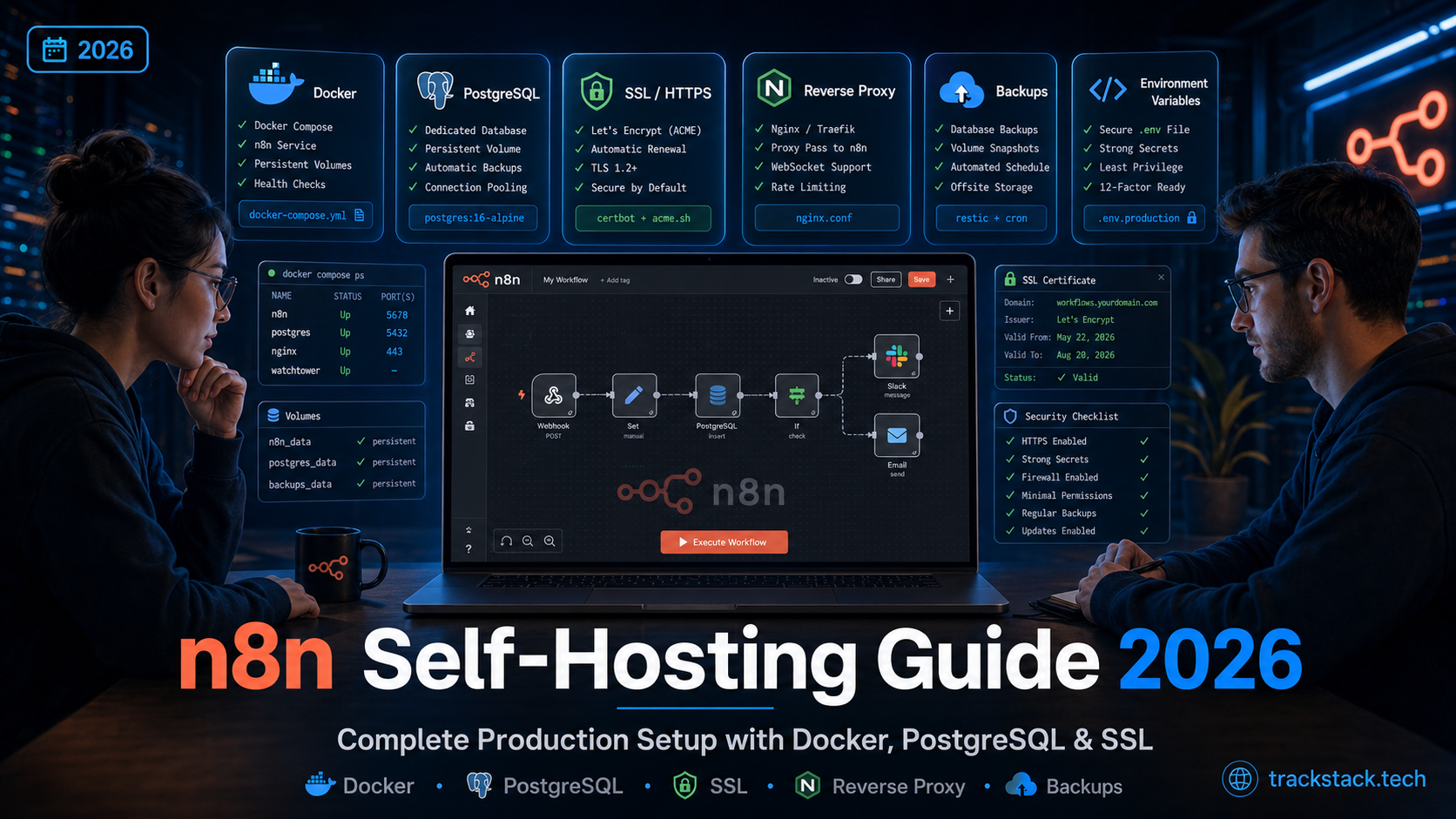
TL;DR: Self-hosting n8n in 2026 costs $4–12/month for the VPS and gives you unlimited workflow executions, full data control, and a platform that scales with your needs instead of your bill. The setup is Docker Compose with PostgreSQL behind an Nginx reverse proxy with Let’s Encrypt SSL — about 30 minutes if you’ve used a Linux server before. This guide covers the production-grade configuration, security hardening, backups, and the gotchas that bite people in week two.
Table of Contents
- Why self-host n8n in 2026
- Server requirements and provider comparison
- Production docker-compose setup
- Environment variables that matter
- Nginx reverse proxy and SSL with Let’s Encrypt
- Security hardening checklist
- Automated backups
- Updates and version management
- Common pitfalls and how to avoid them
- When to scale: queue mode and Redis
- FAQ
Why self-host n8n in 2026
n8n Cloud starts at €24/month for 2,500 executions on the Starter plan. A €4 Hetzner VPS gives you unlimited executions and complete data control. The math becomes obvious very fast — but cost isn’t the only reason. Self-hosting is the right answer when:
- You exceed 50,000 executions/month. Above this volume, every hosted automation platform becomes expensive. n8n self-hosted has no per-execution cost.
- Data residency matters. Healthcare, fintech, EU GDPR-strict scenarios — running on infrastructure you control is the cleanest path to compliance.
- You need custom integrations or npm packages. Self-hosted n8n lets you write JavaScript or Python, install custom packages, and run code that hosted platforms restrict.
- You want platform independence. No vendor lockout, no surprise pricing changes, no API rate limits decided by someone else.
The trade-off is real: you become responsible for uptime, backups, security patches, and SSL renewal. If that sounds painful, consider a comparison of Zapier alternatives including managed n8n options before committing to the self-hosted path.
Server requirements and provider comparison
Minimum specs: 1 vCPU, 1 GB RAM, 25 GB SSD. Works for personal use and light client work — but enable swap to avoid out-of-memory crashes during peak loads.
Recommended for production: 2 vCPU, 4 GB RAM, 40+ GB SSD. Comfortably runs n8n + PostgreSQL + Nginx for an SMB or agency. This is the sweet spot for 90% of self-hosters.
| Provider | Recommended plan | Specs | Price | Best for |
|---|---|---|---|---|
| Hetzner | CAX11 (ARM) / CX22 | 2 vCPU / 4 GB / 40 GB | €3.29–4.51/mo | Best price/perf, EU users |
| DigitalOcean | Basic Droplet | 2 vCPU / 4 GB / 80 GB | $24/mo | Polished UX, great docs |
| Vultr | High Performance | 2 vCPU / 4 GB / 80 GB | $24/mo | Global reach, 32 datacenters |
| Contabo | VPS S | 4 vCPU / 8 GB / 200 GB | ~$7/mo | Most RAM per dollar |
| Hostinger VPS | KVM 2 | 2 vCPU / 8 GB / 100 GB | ~$5–7/mo | Beginners, has n8n template |
For most readers, Hetzner CAX11 is the clear winner — €3.29/month for 2 vCPU and 4 GB RAM is unbeatable in Europe. The trade-off is identity verification on signup that takes a few hours. DigitalOcean’s $200 sign-up credit can offset its premium pricing for the first 12 months.
Production docker-compose setup
The recommended way to run n8n is Docker Compose with PostgreSQL. SQLite is fine for a single-user test instance, but Postgres is the right call for any production workload — it survives container restarts cleanly, supports backups easily, and scales when you grow.
Create a project directory and a docker-compose.yml:
services:
  postgres:
    image: postgres:16-alpine
    container_name: n8n-db
    restart: unless-stopped
    environment:
      POSTGRES_DB: n8n
      POSTGRES_USER: n8n
      POSTGRES_PASSWORD: ${POSTGRES_PASSWORD}
    volumes:
      - postgres_data:/var/lib/postgresql/data
    networks:
      - n8n-network
    healthcheck:
      test: ["CMD-SHELL", "pg_isready -U n8n"]
      interval: 10s
      timeout: 5s
      retries: 5

  n8n:
    image: docker.n8n.io/n8nio/n8n:latest
    container_name: n8n
    restart: unless-stopped
    ports:
      - "127.0.0.1:5678:5678"
    environment:
      - DB_TYPE=postgresdb
      - DB_POSTGRESDB_HOST=postgres
      - DB_POSTGRESDB_PORT=5432
      - DB_POSTGRESDB_DATABASE=n8n
      - DB_POSTGRESDB_USER=n8n
      - DB_POSTGRESDB_PASSWORD=${POSTGRES_PASSWORD}
      - N8N_HOST=${DOMAIN}
      - N8N_PORT=5678
      - N8N_PROTOCOL=https
      - WEBHOOK_URL=https://${DOMAIN}/
      - N8N_ENCRYPTION_KEY=${N8N_ENCRYPTION_KEY}
      - N8N_RUNNERS_ENABLED=true
      - N8N_ENFORCE_SETTINGS_FILE_PERMISSIONS=true
      - GENERIC_TIMEZONE=${TZ}
      - TZ=${TZ}
      - NODE_ENV=production
    volumes:
      - n8n_data:/home/node/.n8n
    depends_on:
      postgres:
        condition: service_healthy
    networks:
      - n8n-network

volumes:
  postgres_data:
  n8n_data:

networks:
  n8n-network:
    driver: bridge
Note the binding to 127.0.0.1:5678 instead of 0.0.0.0. This means n8n is reachable only via the local Nginx reverse proxy, never directly from the internet. This is non-negotiable for production.
Environment variables that matter
Create a .env file alongside your compose file. Generate strong values for the secrets:
POSTGRES_PASSWORD=$(openssl rand -base64 32)
N8N_ENCRYPTION_KEY=$(openssl rand -hex 32)
DOMAIN=automation.yourdomain.com
TZ=Europe/Kyiv
The two critical variables most guides skim over:
- N8N_ENCRYPTION_KEY — encrypts stored credentials. Lose this and every saved credential is unrecoverable. Back it up to a password manager the moment you generate it. n8n auto-creates one on first run if missing, but you should set it explicitly so you control it.
- WEBHOOK_URL — must match your public HTTPS URL exactly. Trailing slash matters. If webhooks aren’t firing for you after setup, this is almost always why. Webhooks are core to most n8n use cases — if you’re new to them, see our practical primer on what a webhook is and how to test it.
Nginx reverse proxy and SSL with Let’s Encrypt
Install Nginx and Certbot on the host, point your domain’s A record at the VPS IP, then create /etc/nginx/sites-available/n8n.conf:
server {
    listen 80;
    server_name automation.yourdomain.com;
    return 301 https://$host$request_uri;
}

server {
    listen 443 ssl http2;
    server_name automation.yourdomain.com;

    ssl_certificate /etc/letsencrypt/live/automation.yourdomain.com/fullchain.pem;
    ssl_certificate_key /etc/letsencrypt/live/automation.yourdomain.com/privkey.pem;
    ssl_protocols TLSv1.2 TLSv1.3;

    client_max_body_size 50M;

    location / {
        proxy_pass http://127.0.0.1:5678;
        proxy_http_version 1.1;
        proxy_set_header Upgrade $http_upgrade;
        proxy_set_header Connection "upgrade";
        proxy_set_header Host $host;
        proxy_set_header X-Real-IP $remote_addr;
        proxy_set_header X-Forwarded-For $proxy_add_x_forwarded_for;
        proxy_set_header X-Forwarded-Proto $scheme;
        proxy_read_timeout 86400;
    }
}
Then issue the certificate and enable auto-renewal:
sudo certbot --nginx -d automation.yourdomain.com
sudo systemctl enable certbot.timer
sudo systemctl start certbot.timer
The proxy_read_timeout 86400 setting matters — without it, long-running n8n executions can be killed by Nginx. The Upgrade and Connection headers are required for n8n’s WebSocket connection to the editor UI.
Security hardening checklist
A self-hosted n8n with weak security is a credential theft waiting to happen. The platform stores API keys, database passwords, OAuth tokens — exactly what attackers want. Lock it down before connecting your first integration:
- UFW firewall: allow only SSH (preferably non-default port), 80, and 443. Block everything else.
- SSH hardening: disable password auth, require keys only, set
PermitRootLogin no. Add fail2ban to throttle brute-force attempts. - Enable n8n’s built-in 2FA for the owner account immediately after first login.
- Pin the Docker image version in production:
docker.n8n.io/n8nio/n8n:1.x.xrather than:latest. Prevents unintended upgrades on container restart. - Restrict task runners environment: set
NODE_FUNCTION_ALLOW_EXTERNAL=*only if absolutely necessary, and never on a public-internet instance running untrusted code. - Run automatic OS updates for security patches:
unattended-upgradeson Debian/Ubuntu.
Automated backups
n8n’s database holds workflows, credentials, and execution history. Lose it and you’ve lost months of work. The backup must include the PostgreSQL dump and the n8n data volume (which holds the encryption key file). Backing up only one of them is useless.
Daily backup script (place in /usr/local/bin/n8n-backup.sh, make executable, run via cron):
#!/bin/bash
BACKUP_DIR=/var/backups/n8n
DATE=$(date +%Y-%m-%d)
mkdir -p $BACKUP_DIR

# PostgreSQL dump
docker exec n8n-db pg_dump -U n8n n8n | gzip > $BACKUP_DIR/db-$DATE.sql.gz

# n8n data volume (encryption key, custom nodes)
docker run --rm -v n8n_data:/data -v $BACKUP_DIR:/backup \
    alpine tar -czf /backup/n8n-data-$DATE.tar.gz -C /data .

# Keep last 14 days locally
find $BACKUP_DIR -name "*.gz" -mtime +14 -delete

# Sync to remote (S3, Backblaze B2, or rsync)
rclone copy $BACKUP_DIR remote:n8n-backups/
Add to cron with crontab -e:
0 3 * * * /usr/local/bin/n8n-backup.sh >> /var/log/n8n-backup.log 2>&1Test your restore process at least once. A backup you’ve never restored from is not a backup — it’s a hope.
Updates and version management
n8n ships frequent releases — minor versions for fixes, major versions every few months with breaking changes possible. The update process for Docker:
# Always back up first
/usr/local/bin/n8n-backup.sh

# Pull and restart
cd /opt/n8n
docker compose pull
docker compose up -d

# Verify
docker compose logs -f n8n
Read the n8n release notes before any major version upgrade. Database migrations are sometimes irreversible. The safest production pattern is to pin to a specific version, watch the changelog, and upgrade deliberately rather than auto-pulling latest.
Common pitfalls and how to avoid them
- Webhooks return 404 or don’t fire. Almost always a wrong WEBHOOK_URL — must match the public HTTPS URL exactly, including the trailing slash. Restart the container after fixing.
- Out-of-memory crashes on a 1 GB VPS. Add a 2 GB swap file. Realistically, upgrade to 4 GB RAM if running anything beyond a hobby workload.
- “Editor unreachable” or WebSocket errors after Nginx setup. Missing the Upgrade/Connection headers in the proxy config. Re-check the Nginx block.
- Credentials decryption failure after restore. The encryption key is missing from the restored data volume. Either restore the full
n8n_datavolume or set N8N_ENCRYPTION_KEY explicitly to the original value. - Slow execution after a few weeks. Execution history is bloating the database. Configure
EXECUTIONS_DATA_PRUNE=trueandEXECUTIONS_DATA_MAX_AGE=336(hours, = 14 days). - Backups silently failing. Verify your cron is running:
grep CRON /var/log/syslog. Set up a dead-man’s-switch monitor that pings you when the backup doesn’t run.
Once your instance is stable, log everything that crosses webhook boundaries — see our guide on how to log webhooks properly for the patterns that make debugging tractable.
When to scale: queue mode and Redis
The single-instance setup above handles 5–8 concurrent workflows comfortably on 2 vCPU / 4 GB. Most SMBs never outgrow it — API response times, not your VPS, are the bottleneck for typical workloads.
If you do hit the ceiling (large concurrent loads, many long-running workflows, queue building up), switch to queue mode with Redis. Add a Redis service to compose, set EXECUTIONS_MODE=queue, QUEUE_HEALTH_CHECK_ACTIVE=true, and run separate worker containers. For a deeper comparison of scaling characteristics across hosted automation platforms, see our n8n vs Make breakdown.
FAQ
How much does self-hosting n8n actually cost in 2026?
$4–12/month for the VPS, depending on provider and specs. Hetzner CAX11 at €3.29/month is the cheapest production-ready option. Add ~$1–2/month for off-site backup storage (Backblaze B2, S3) and you’re under $15/month total — for unlimited executions and full data control.
Can I self-host n8n on a 1 GB RAM VPS?
Yes for personal or hobby use, but enable a 2 GB swap file to prevent out-of-memory kills. For any production workload, 4 GB RAM is the realistic minimum. Going below is false economy — debugging OOM crashes will eat far more time than the $2/month difference saves.
SQLite or PostgreSQL for n8n?
SQLite for testing and personal single-user instances. PostgreSQL for everything else. Postgres handles concurrent writes properly, scales gracefully, and makes backups straightforward. The Docker Compose setup with Postgres adds maybe 5 minutes to setup time and saves you from rebuilding when you outgrow SQLite.
How do I update n8n safely without breaking workflows?
Pin to specific versions in production. Run a backup before any update. For major versions, read the changelog for breaking changes, test on a staging instance first if your workflows are business-critical, and have a rollback plan (the previous Docker image tag plus a database backup from before the upgrade).
Is self-hosted n8n secure for sensitive data?
It can be more secure than any hosted alternative — you control the entire stack. But “can be” requires effort: SSH hardening, firewall rules, automatic OS updates, encrypted backups, monitored access logs. With those in place, self-hosted n8n is suitable for HIPAA, GDPR, and SOC 2 contexts. Without them, you’ve built a credential treasure trove on the public internet.
When should I switch from self-hosted to managed n8n hosting?
When the time you spend maintaining the infrastructure exceeds the cost of managed hosting at your wage rate. For most solo developers and small teams, the maintenance burden is ~1 hour/month after initial setup. If you find yourself spending 4+ hours a month on n8n ops, managed hosting at $7–25/month is probably better economics — and frees you to actually build automations.