
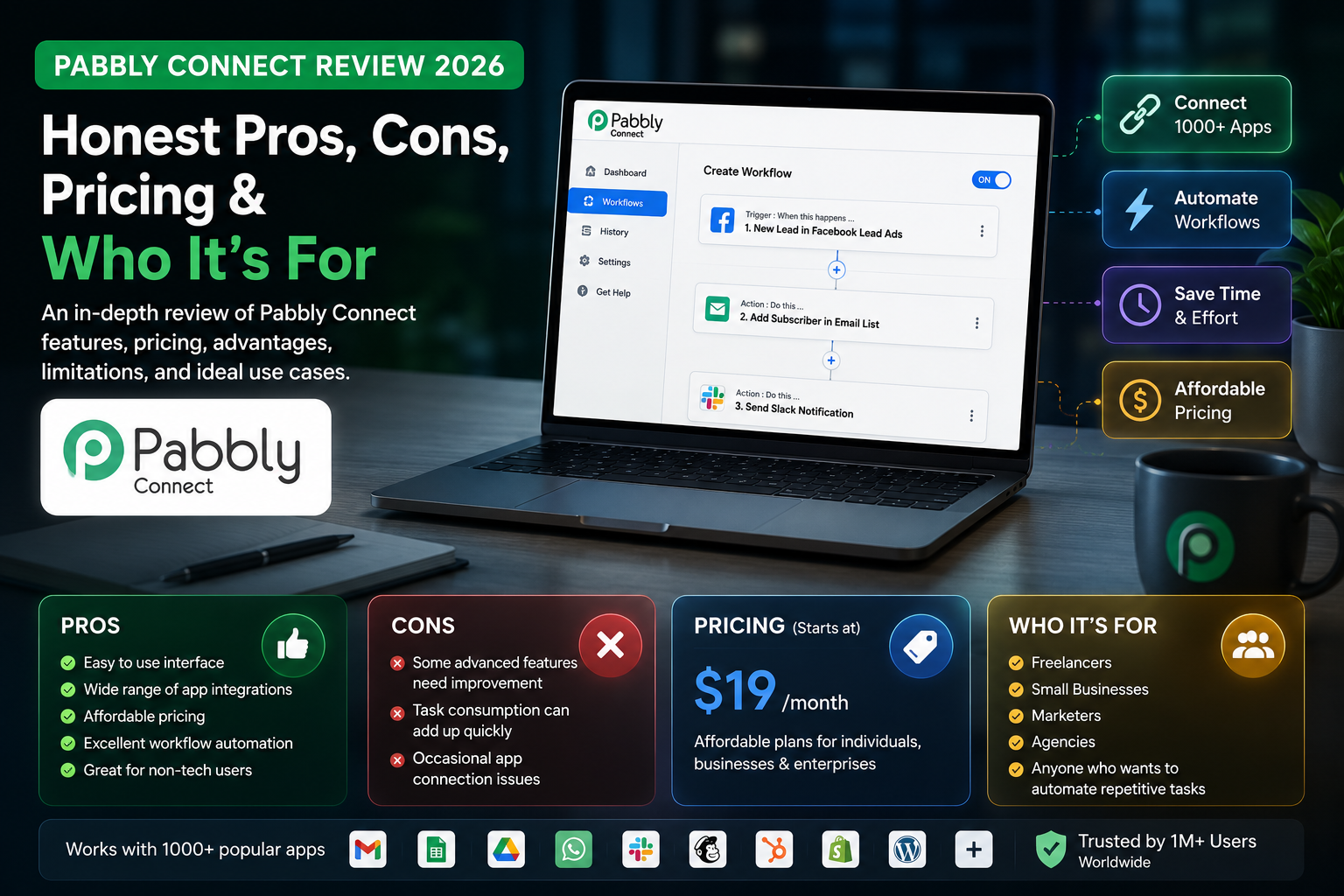
If you have ever opened your Zapier bill and felt your stomach drop, Pabbly Connect is the tool people usually look at next. It promises the same job — connecting your apps so data moves automatically between your CRM, forms, spreadsheets, email tool, and payment processor — for a fraction of the price, plus a lifetime deal that almost no competitor offers. This review is written for solo founders, freelancers, and small teams weighing Pabbly Connect in 2026 on a real budget. You will get the current pricing, how the task system actually works, an honest look at where it beats Zapier and Make, and — just as important — where it will let you down.
Quick Answer: Is Pabbly Connect Worth It in 2026?
Yes, for cost-conscious small businesses running simple-to-medium automations. Pabbly Connect starts at $16/month (or a one-time lifetime deal from around $249) and counts only action steps as tasks, so your limits stretch 2–3x further than Zapier. Skip it if you need complex branching logic or business-critical reliability — Make handles those better.
What Is Pabbly Connect?
Pabbly Connect is a workflow automation platform in the same category as Zapier and Make. You build a workflow that starts with a trigger (a new form submission, a new Shopify order, an incoming webhook) and then runs a sequence of actions across other apps (add a row to Google Sheets, send a Slack message, create a CRM contact). It connects to more than 2,000 applications and includes an API module so you can wire up almost any service with a REST API, even if it is not in the built-in library. The pitch is simple: do roughly what the big players do, charge far less, and remove the pricing traps that make Zapier expensive as you scale.
Pabbly Connect Pricing 2026
Pabbly Connect keeps pricing unusually flat: every paid plan unlocks all features, unlimited workflows, and unlimited team members. The only thing that changes between tiers is how many monthly tasks you get. There is a genuine free-forever plan, standard annual subscriptions, and — the headline feature — one-time lifetime deals.
| Plan | Monthly (annual billing) | Tasks / month | Best for |
|---|---|---|---|
| Free | $0 | 100 | Testing before you commit |
| Standard | ~$16 | 12,000 | Solo founders, freelancers |
| Pro | ~$33 | 24,000 | Agencies, multi-client setups |
| Ultimate | ~$67 | up to ~300,000 | High-volume operations |
A quick word of caution: Pabbly runs frequent promotions, and the lifetime-deal prices in particular move around during sales. Treat the figures above as the 2026 baseline and confirm the live number on Pabbly’s pricing page before you buy. Every paid plan comes with a 30-day money-back guarantee, so there is a real safety net if it does not fit.
The Lifetime Deal: Is It Actually Worth It?
This is the reason most people choose Pabbly. Instead of paying every month forever, you make a single one-time payment and keep the plan for good, with a fixed monthly task allowance. Lifetime tiers in 2026 start around $249 for the Standard level and climb to roughly $499 (Pro) and $699–$799 (Ultimate), depending on the current promotion.
The math is what makes it compelling. A Zapier Starter subscription can cost more per year than a Pabbly lifetime plan costs once. In hands-on reviews, the break-even point against a comparable Zapier plan lands somewhere around month four — after that, everything is pure saving. If you are confident automation is a permanent part of your stack and your volume is predictable, the lifetime deal is the single best value in this category. The catch: you are betting on Pabbly still being around and maintained years from now, and you are locked to one task tier unless you buy up.
How Pabbly Counts Tasks (The Detail That Changes Everything)
This is the part that trips up anyone comparing tools by headline task numbers, and it is where Pabbly quietly wins. On Pabbly Connect, only action steps consume a task. Triggers, filters, routers, text and number formatters, date/time tools, delays, and iterators are all free.
Here is a concrete example we mapped out. Take a common lead workflow: 1 trigger (new form submission) → 3 filters (route by budget, country, and source) → 2 actions (create CRM contact, send Slack alert). On Pabbly, that run costs 2 tasks — only the two actions count. On a tool that meters every step, the same run can cost 5 or 6. Run that a few thousand times a month and the difference is enormous. It is why a “12,000-task” Pabbly plan often outlasts a nominally larger allowance elsewhere. When you compare against Make’s pricing or Zapier’s, always model your real workflow shape, not the sticker number.
Pabbly Connect vs Zapier vs Make
Each tool wins a different buyer. The short version: Zapier is the polished, reliable premium option; Make is the visual power tool for complex logic; Pabbly is the budget champion that punches above its price for straightforward automations.
| Factor | Pabbly Connect | Zapier | Make |
|---|---|---|---|
| Entry price | ~$16/mo or lifetime | Higher, monthly only | Low, monthly only |
| What counts as usage | Actions only | Every step | Every operation |
| Complex logic | Basic branching | Good | Excellent (visual) |
| Reliability & support | Adequate, slower | Excellent | Strong |
| Best fit | Budget, simple flows | Reliability first | Power users |
If you are still deciding between the big two before adding Pabbly to the shortlist, our Zapier vs Make comparison breaks that choice down, and our roundup of Zapier alternatives for marketers puts all four side by side.
What Pabbly Connect Does Well
- Price. It is dramatically cheaper than Zapier at comparable volumes, and the lifetime deal has no real equivalent among mainstream competitors.
- Task efficiency. Because filters, routers, and formatters are free, your allowance goes much further than the raw number suggests.
- No feature gating. Premium apps like Salesforce and PayPal, plus unlimited workflows and unlimited team members, are included on every paid plan — not locked behind higher tiers.
- Genuine free plan. 100 tasks a month, around 5 workflows, and full access to all integrations, with no time limit, so you can test properly before paying.
- Broad connectivity. 2,000+ integrations plus a REST API module for anything not natively supported.
Where Pabbly Connect Falls Short
An honest review has to cover the trade-offs, because they are real. The interface is functional but less polished than Make’s, and the documentation is thinner than what you get from Zapier. Support is slower, with no live chat, so when something breaks you may wait.
The bigger concern is complex logic and reliability at scale. Pabbly handles linear multi-step workflows well, but truly complex needs — nested conditionals, parallel branches, error-driven routing — require awkward workarounds or splitting into separate workflows. Production testing has also surfaced hard limits, such as a webhook concurrency ceiling and a cap on iterator items, plus error handling that is less forgiving than the premium tools. For business-critical automations where a single silent failure costs real money, that operational risk is why some teams stay on Make despite the higher monthly bill. If your workflows are mission-critical, weigh that carefully. If you are building lighter internal automations — or self-hosting for control, as we cover in our guide to self-hosting n8n — the calculus is different.
Real-World Automations You Can Build
To make the value concrete, here are automations small teams commonly run on Pabbly, each of which stays cheap because only the action steps count:
- Lead capture: a new form submission creates a CRM contact, adds a row to Google Sheets, and pings your sales channel on Slack — filtered by budget or source so only qualified leads trigger an alert.
- E-commerce fulfillment: a new Shopify or WooCommerce order over a set value alerts your team, while smaller orders flow straight to a fulfillment sheet, all inside one branching workflow.
- Payments and invoicing: a successful Stripe or PayPal payment generates an invoice, updates your accounting tool, and sends the customer a confirmation email.
- Scheduled sync: an hourly or daily run polls an API or spreadsheet and keeps your CRM and email list aligned without manual exports.
None of these require code, and the filters and formatters that route the logic do not eat into your task allowance — which is exactly why the same budget goes further here than on step-metered tools.
Who Should Use Pabbly Connect?
Choose Pabbly Connect if you are a solo founder, freelancer, or small team that runs mostly straightforward automations and cares more about cost than a premium interface. It is ideal for syncing leads, updating CRMs, sending notifications, and moving data between forms, spreadsheets, and email tools — the kind of workflows most small businesses actually need. A common starting move is a simple Google Sheets to CRM sync, which Pabbly handles cleanly on the free plan.
Look elsewhere if you need visual, deeply branching logic (Make), enterprise-grade reliability and support (Zapier), or full control over hosting and data. And if your automations are e-commerce-heavy, compare it against the field in our workflow automation tools for e-commerce roundup before committing.
Frequently Asked Questions
Does Pabbly Connect have a free plan?
Yes. The free-forever plan includes 100 tasks per month, around 5 workflows, and access to all 2,000+ integrations with no time limit. It is enough to test whether Pabbly fits before you commit to a paid plan or lifetime deal.
Is the Pabbly Connect lifetime deal legitimate?
It is genuine. You pay once and keep the plan with a fixed monthly task allowance, no recurring fees. It typically breaks even against a comparable Zapier subscription within a few months. The trade-off is that you are locked to one task tier and betting on the platform’s long-term maintenance.
How does Pabbly count tasks?
Only action steps count. Triggers, filters, routers, formatters, delays, and iterators are free. A workflow with one trigger, three filters, and two actions uses just two tasks — which makes Pabbly’s limits stretch two to three times further than tools that meter every step.
Is Pabbly Connect better than Zapier?
For price and task value, yes — comfortably. For interface polish, documentation, support speed, and reliability on critical workflows, Zapier is ahead. The right pick depends on whether your priority is budget or dependability.
Can Pabbly Connect handle complex workflows?
It handles linear multi-step automations well and supports basic branching. But nested conditionals, parallel branches, and error-driven routing are difficult and often need workarounds. If you need Make-level visual logic, Pabbly will frustrate you.
Does Pabbly Connect integrate with custom apps?
Yes. Beyond its 2,000+ native integrations, the API module lets you connect any service with a REST API, so you are not limited to the built-in library.
The Verdict
Pabbly Connect is the automation tool most small businesses land on when the budget matters more than a premium experience — and for that buyer, it delivers. The action-only task model and the lifetime deal make it the best value in the category for simple-to-medium workflows. It is not the tool for mission-critical logic or when downtime is expensive; for that, pay for Make or Zapier. But for a lean stack that needs reliable, everyday automation without a recurring bill, Pabbly earns its place. Start on the free plan, model your real workflow shape, and only then decide whether the lifetime deal makes sense for you.