
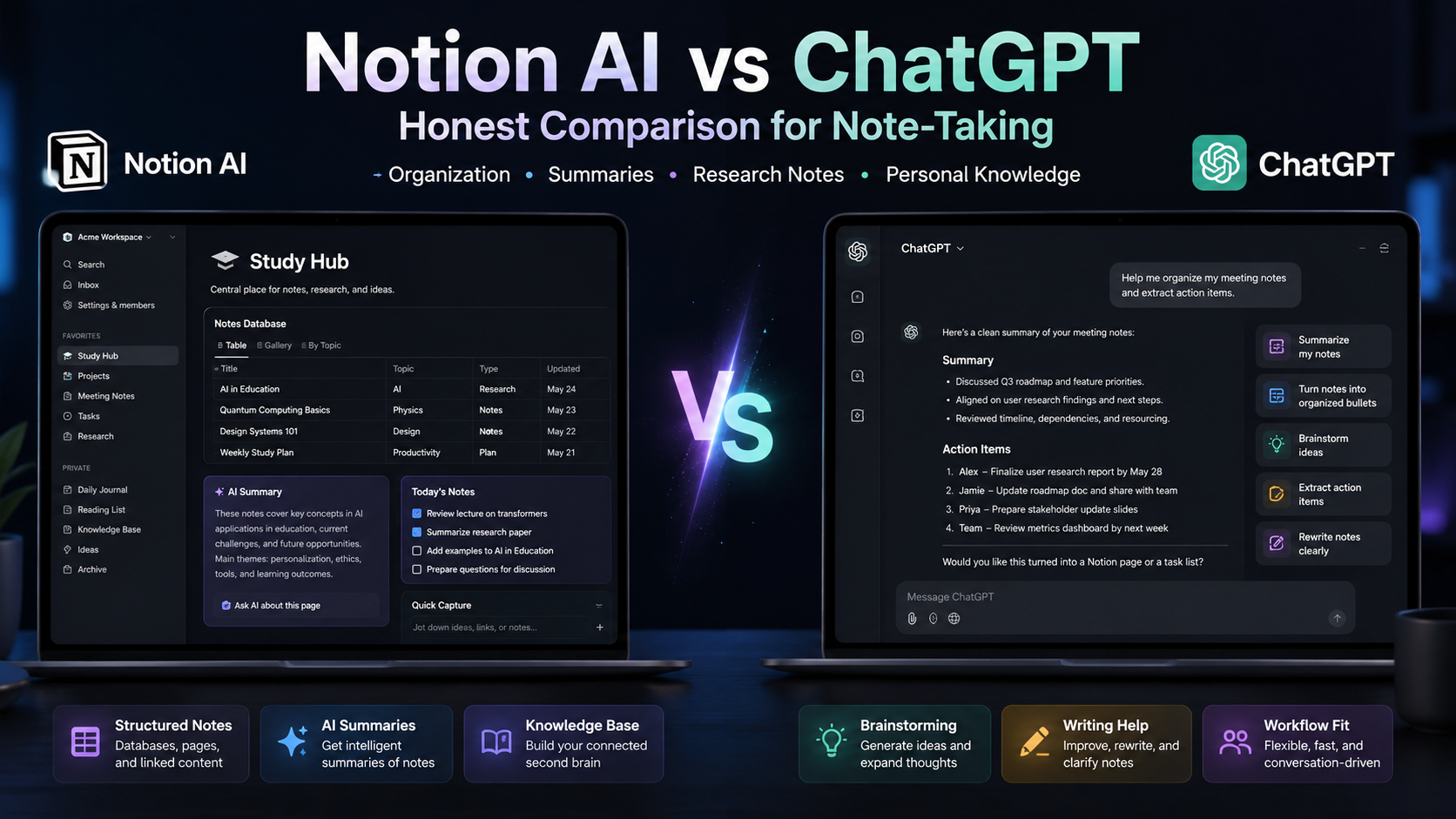
Notion AI vs ChatGPT for note-taking in 2026 isn’t really a head-to-head — they solve different problems. Notion AI ($20/user/month, now bundled exclusively in Business plan after Notion retired the standalone add-on in 2025-2026) wins for working inside your notes: workspace-wide Q&A, inline summarization, autofill, and the new Custom Agents. ChatGPT ($20/month Plus, $200/month Pro) wins for everything outside your notes: model variety, web search, deep research, image generation, code, voice. For most knowledge workers the honest answer is “use both” — total ~$30-40/month for serious users, and each tool stays in its lane. This guide shows where each one actually wins and which you can skip if you must pick one.
This is for knowledge workers, researchers, indie founders, and students deciding where to spend their AI budget for note-taking workflows in 2026. We’ll cover the real pricing (with the Notion AI restructuring nobody warned you about), the context-awareness gap that defines the comparison, real use cases, and the four decision points that determine which tool fits your workflow.
Quick Answer: Which One for Note-Taking?
If your notes already live in Notion and you spend most of your day there, Notion AI in the Business plan is worth $20/user/month — its workspace-wide Q&A and inline editing kill the context-paste cycle. If your notes live in any other tool (Obsidian, plain markdown, Apple Notes, Google Docs) or you mostly use AI for tasks that don’t require knowing your existing notes — research, drafting, code, brainstorming — ChatGPT Plus at $20/month is the better single subscription. The two together at $40/month cover most professional note-taking workflows without compromise. Try Notion AI’s trial responses first to see if its context-awareness justifies your Business upgrade.
Pricing Reality: The 2026 Restructuring
Notion AI — no longer an add-on
The big 2026 change: Notion retired the standalone $10/user AI add-on. Through 2024 you could attach Notion AI to any plan including Free for $10/month ($8 annual). That’s gone. New users now access full Notion AI only on the Business plan at $20/user/month annual ($24 monthly) or Enterprise. Free and Plus users get a limited trial allotment (around 20 total AI responses) and that’s it. Existing add-on subscribers from before the change were grandfathered, but for any new user the math is “Business plan or nothing.”
What Business gets you: workspace-wide Q&A across all your pages, inline AI editing, AI database autofill, AI meeting notes, translation, summarization. Plus a separate Custom Agents feature (launched February 2026, now billing at $10 per 1,000 Notion credits on top of the Business plan, since May 4, 2026). Heavy automation users budget another $50-100/month for Custom Agent credits.
ChatGPT — the four-tier ladder
Free: limited daily access to GPT-4o-mini and some GPT-4o, basic image and search. Realistic for occasional use only. Plus ($20/month): full access to flagship models, projects (Notion-style organized chats), GPT image, voice, web search, custom GPTs, basic deep research. Pro ($200/month): unlimited use of premium models including o-series with high reasoning effort, expanded deep research, Sora video. Team ($25–30/user/month annual): Plus features plus shared workspace and admin controls. Enterprise/API: custom and pay-per-token respectively.
The honest total math
For a solo knowledge worker who wants both: $20 ChatGPT Plus + $20 Notion Business = $40/month, $480/year. That’s roughly equivalent to one nice meal out per month, traded for AI that genuinely changes how you work with notes. For a 10-person team: $200/month ChatGPT Team plus $200/month Notion Business with AI = $400/month, $4,800/year. The point at which Notion AI stops being worth the bundled $20 is when fewer than half your team members actually use AI features in their notes.
The Defining Difference: Context Awareness
Notion AI knows your workspace
Ask Notion AI “what did we decide about Q3 pricing in the last three meeting notes?” and it answers using your actual workspace content. No copy-paste, no setup, no API key. The model has indexed access to every page you can see, with permissions respected. This is the killer feature — and it’s the one that justifies the $20 jump for teams that already live in Notion. ChatGPT can’t do this natively. You’d need to paste the relevant pages into a chat, or use ChatGPT’s projects/connectors with manual file uploads.
ChatGPT knows the internet (and what you paste)
ChatGPT, on the other hand, has web search, deep research that produces multi-page reports, image generation, voice input/output, code execution, and access to a much wider model library. None of that exists inside Notion. If your note-taking includes researching new topics, drafting articles with citations, generating images for slides, or coding workflows, ChatGPT covers ground Notion AI never will.
The “use both” pattern most professionals settle into
The common workflow that emerges: ChatGPT for research, drafting, and external thinking; Notion AI for organizing the output inside your workspace and asking questions of your existing notes. They don’t really compete — they’re complementary. The “which is better” frame is wrong; “which solves your specific bottleneck” is right.
Where Each One Wins for Note-Taking
Notion AI wins at
Workspace-wide Q&A. “What’s our latest design doc?” — works without setup. Inline writing assistance. Highlight a paragraph, ask AI to rewrite, no context-switching. Database autofill. AI fills column values based on rules you set (“classify this lead’s industry”). Meeting notes summarization. Capture raw notes, get action items extracted. Translation inside docs. Whole pages translated in-place. For our broader notes on Notion vs Obsidian as the underlying tool, see our Notion vs Obsidian comparison.
ChatGPT wins at
Research with sources. Web search returns citations Notion AI can’t match. Deep research reports. Pro tier generates 20-page synthesised reports from dozens of sources in 10 minutes. Image generation. Native, integrated, no extra tool. Code execution. Run Python, analyze CSVs, generate charts. Voice input/output. Long-form spoken thinking, transcribed. Custom GPTs. Build reusable specialized assistants for specific note types.
The bottleneck test
Which one to add first depends on what’s slowing you down. If you spend hours searching your existing notes or summarizing pages by hand, Notion AI is the upgrade. If you spend hours researching new topics, drafting external content, or wishing you could “just ask AI to look up X” — ChatGPT is the upgrade. Most professionals hit both bottlenecks; that’s why both subscriptions usually justify themselves.
Notion AI vs ChatGPT: Side-by-Side
| Criterion | Notion AI | ChatGPT |
|---|---|---|
| Entry price (solo) | $20/mo (Business) | Free or $20/mo (Plus) |
| Workspace context | Yes, native | No, paste only |
| Web search | Limited | Yes, native |
| Image generation | No | Yes, native |
| Inline editing | Yes, in your docs | No, separate chat |
| Deep research | No | Yes (Plus and Pro) |
| Custom agents | $10 per 1k credits | Custom GPTs free |
| Privacy model | Sends to LLM providers | OpenAI handles data |
Real Use Cases for Note-Takers
“Researcher synthesizing 50 papers into a literature review.” ChatGPT Plus or Pro with deep research. Paste paper PDFs or use the search; get a synthesised draft. Notion AI’s workspace Q&A helps after you’ve imported the papers into Notion pages.
“Founder running weekly review across project notes.” Notion AI. Ask “what did I commit to last week?” or “summarise this quarter’s blockers” and it pulls from your meeting notes. ChatGPT would require pasting each note manually.
“Content creator turning meeting transcripts into blog drafts.” Use both. Notion AI extracts key points from your raw transcript inside your workspace; ChatGPT (with its better long-form writing) turns the bullets into a polished draft. See our lead magnet funnel structure piece for the content-to-distribution workflow.
“Student taking class notes and exam prep.” Notion AI is the better single pick if notes live in Notion — workspace Q&A across semester is the killer feature. Free or Plus ChatGPT can supplement for general explanations. Students get Notion Plus free with .edu emails, but AI features still require Business.
“Product manager keeping competitor intelligence notes.” ChatGPT with web search keeps notes current; Notion organizes them. The use-both pattern fits cleanly here.
Real Pitfalls of Each
Notion AI pitfalls
The Business-tier bundling means you pay $20/user even if only some of your team uses AI — there’s no à la carte option anymore for new users. Custom Agents credits are easy to burn through at $10/1k. Notion AI’s model selection is limited compared to ChatGPT’s library — you can’t choose “use Claude here, GPT-5 there.” Some users report hallucinations on workspace Q&A when your notes are sparse or conflicting. For broader Notion context, our notes on the existing Notion alternatives comparison apply.
ChatGPT pitfalls
No native access to your existing notes means manual copy-paste or file upload every session. Web search results vary in quality — the model still sometimes prefers stale information from its training. ChatGPT Plus’s “memory” feature is workspace-thin compared to Notion AI’s deep workspace knowledge. Pro at $200 is steep for occasional users; free tier is too rate-limited for serious daily use. Custom GPTs are powerful but require manual configuration and don’t auto-update from your living notes.
Both share
Privacy: both tools send your content to LLM providers (OpenAI, Anthropic). For genuinely sensitive notes (legal, medical, trade secrets), neither is appropriate without an enterprise-tier data-handling agreement. Both also have “hallucinate” failure modes — for important conclusions, verify against source. If you’re comparing AI workflows across PM tools, our ClickUp Brain analysis covers the same hidden-cost pattern in adjacent products.
Decision Framework
Pick Notion AI (Business plan) if your notes already live in Notion, you’d save 30+ minutes per week through workspace Q&A, and you have at least 2-3 team members who’d use it (otherwise the $20/user Business jump isn’t worth it for AI alone).
Pick ChatGPT Plus if you want general AI capability for research, writing, and broader tasks beyond your existing notes. $20/month is fair for what you get; Pro at $200 is only worth it if you genuinely use deep research or unlimited reasoning daily.
Pick both ($40/month total) if you’re a serious knowledge worker. The cost is roughly one professional dinner per month for tooling that affects every workday. Most people who use both stop wondering “which is better” within a week — they use whichever fits the current task without thinking.
Pick neither (yet) if you’re still mostly using free Notion or free ChatGPT and your work doesn’t require AI productivity. Start with free ChatGPT for ad-hoc help and add subscriptions only when you can name a specific bottleneck that paying would unblock.
Conclusion
The honest Notion AI vs ChatGPT verdict for note-taking in 2026 is that they don’t really compete — they solve different parts of the same workflow. Notion AI is unmatched for working inside your existing notes; ChatGPT is unmatched for everything outside them. The 2026 Notion AI restructuring (no more standalone add-on, Business plan required) makes the cost-benefit harder for solo users but doesn’t change the fundamental case: if your notes are in Notion, the workspace-wide AI is genuinely transformative. Try the trial responses, decide if the context-awareness justifies the Business plan, and keep ChatGPT Plus for everything else. Most professional users land at $40/month for both, and few regret it.
FAQ
Is Notion AI still available as a $10 add-on?
No, not for new users. Notion retired the standalone $10/user/month AI add-on in 2025-early 2026. Full Notion AI is now bundled exclusively into the Business plan ($20/user/month annual) and Enterprise. Existing subscribers who had the add-on before the change were grandfathered, but new accounts can no longer purchase it separately.
Can ChatGPT search my Notion notes?
Not natively. You can paste Notion content into ChatGPT, upload exported pages as files, or use ChatGPT’s connectors and projects feature with manual file uploads. None of this matches Notion AI’s native workspace-wide Q&A, which understands your entire workspace’s structure and permissions automatically.
Which is better for meeting notes?
Notion AI if the notes live in Notion — it summarizes, extracts action items, and answers questions about past meetings without copy-paste. ChatGPT if your meeting notes live elsewhere or you want voice transcription and synthesis. Many users record voice with ChatGPT’s voice mode, then paste the transcript into Notion and use Notion AI to extract structure.
Do I need both subscriptions?
Most knowledge workers benefit from both, but only if you genuinely use AI daily. At $40/month total, the math works when you save 4+ hours per month — which most professional users do. For occasional use, start with free ChatGPT and Notion’s trial AI responses, then upgrade only the one that hits a real bottleneck first.
What about privacy?
Both tools send your content to LLM providers (OpenAI, Anthropic) for processing. For sensitive content (legal, medical, trade secrets), neither is appropriate without an enterprise-tier data-handling agreement that specifies zero retention. Both offer business agreements; check the current terms before putting sensitive data through either.
What are Notion Custom Agents?
Custom Agents are autonomous AI agents that can act inside your Notion workspace — running scheduled tasks, monitoring databases, generating recurring reports. Launched February 2026, free until May 3, 2026, now billed at $10 per 1,000 Notion credits on top of the Business plan. Heavy automation users typically budget another $50-100/month for Custom Agent credits.