
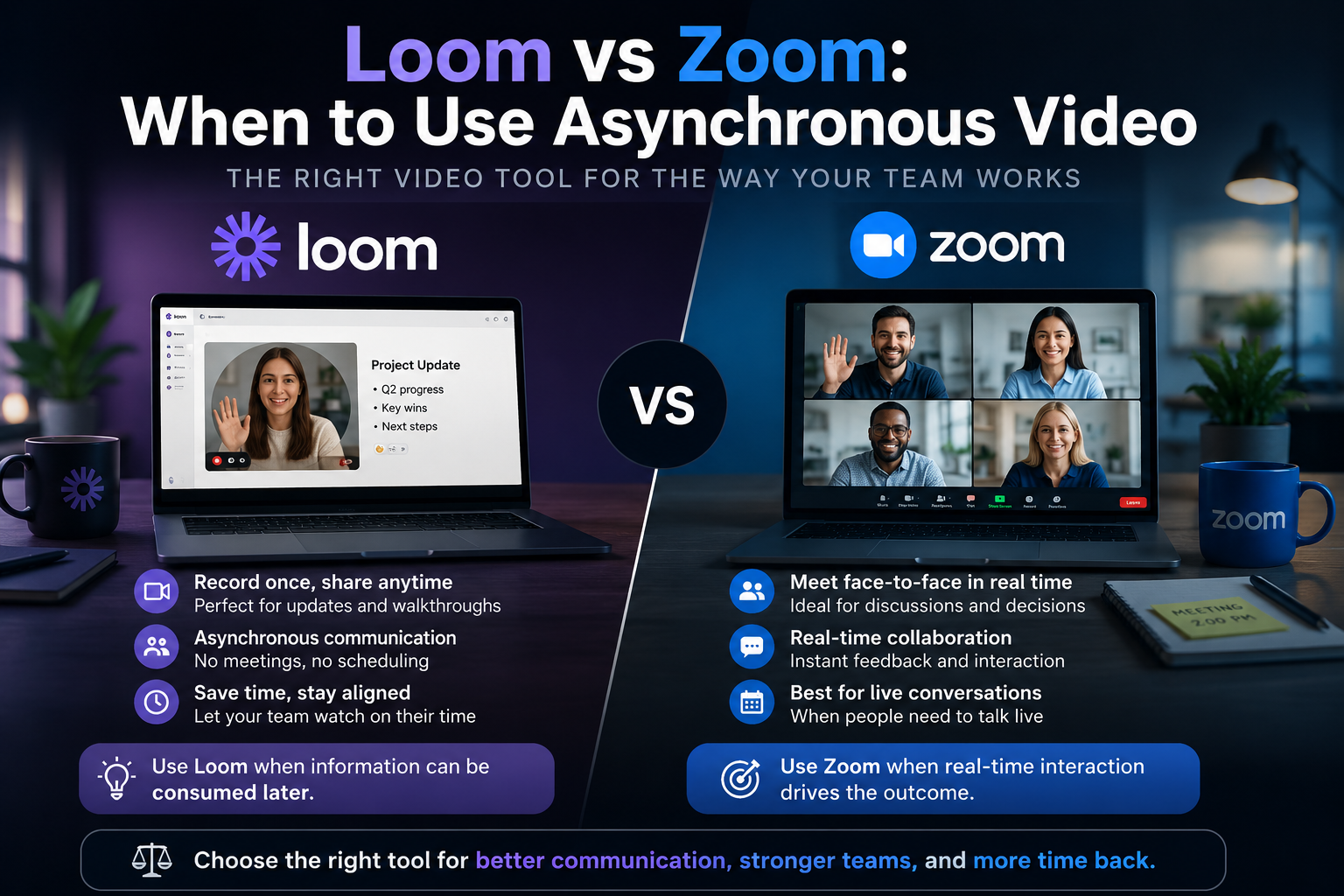
Half the meetings on your calendar could have been a recorded video, and half the recorded videos your team sends could have been a paragraph of text. The trick is knowing which is which. Loom and Zoom get compared as if they are rivals, but they solve opposite problems: Loom is asynchronous — record once, watched whenever — while Zoom is synchronous, everyone present at the same time. The real question is not which tool is better; it is when each mode of communication is the right one.
This guide is for SMB owners, team leads, and remote-first managers trying to cut meeting bloat without losing the conversations that genuinely need to be live. We cover real 2026 pricing for both, the scenarios where each shines, the honest downsides of each, and a simple framework for deciding between a message, a recording, and a meeting.
Quick Answer: Loom or Zoom?
Use Loom when the information flows one way and timing does not matter — status updates, walkthroughs, onboarding, code or design reviews, and client explainers. The viewer watches on their own schedule, at their own speed, and you never have to find a slot on three calendars. Use Zoom when you need real-time back-and-forth: brainstorming, negotiation, sensitive conversations, interviews, or any decision that needs live debate.
In short: Loom replaces the meeting that should not exist; Zoom protects the meeting that should. Most teams need both, and the money question is smaller than it looks because Loom charges per recorder while Zoom charges per host.
Async vs Sync: The Distinction That Actually Matters
Before comparing features, get the mental model right. Synchronous communication is expensive because it costs everyone the same hour at the same time. Asynchronous communication is cheap because each person spends their own time when it suits them. The skill is matching the channel to the message, not defaulting to a meeting because that is the habit.
What Loom is built for
Loom is a video messaging tool acquired by Atlassian in 2023. You record your screen and camera, it generates a shareable link instantly, and the recipient watches without an account. It is ideal for “let me show you” moments — the kind of thing that is clumsy in text but does not need a live call. Recordings become a searchable library, which makes Loom a quiet contributor to your internal knowledge base rather than a one-off.
What Zoom is built for
Zoom is the default for live video — meetings, webinars, interviews, and real-time collaboration. Its strength is presence: reading reactions, interrupting, deciding together in one sitting. If you are weighing it against other live tools, we broke that down in our Zoom vs Google Meet vs Teams comparison. For anything that needs genuine dialogue, async video is a poor substitute and Zoom is the right call.
2026 Pricing, Plan by Plan
The pricing models are structurally different, and that difference often decides the budget more than the per-seat number. Loom charges per Creator — the people who record — and viewers are free forever. Zoom charges per host license. A team where one person records explainers for forty viewers pays very differently across the two.
Loom pricing in 2026
- Starter (Free): $0 — up to 25 videos per creator, 5-minute cap per video, 720p
- Business: $15/creator/month annual (or $18 monthly) — unlimited videos and length, up to 4K, remove Loom branding, viewer analytics
- Business + AI: $20/creator/month annual (or $24 monthly) — AI titles, summaries, chapters, filler-word and silence removal, edit by transcript
- Enterprise: custom — SSO (SAML), SCIM, advanced retention, Salesforce integration, 99.95% SLA
The key cost lever: only recorders need a seat. If two of five teammates record regularly, you pay for two creators (about $360/year on Business annual) while the rest watch free. That viewer-free model is what makes Loom cheap for outbound explainers and expensive only when everyone records.
Zoom pricing in 2026
- Basic (Free): $0 — unlimited 1:1 meetings, group meetings capped at 40 minutes, up to 100 participants, no cloud recording
- Pro: $13.33/user/month annual (or $16.99 monthly) — 30-hour meetings, 100 participants, 10GB cloud storage, AI Companion
- Business: $18.33/user/month annual (or $21.99 monthly) — 300 participants, SSO, managed domains, recording transcripts, 10-seat minimum
- Business Plus: $29/user/month — bundles Zoom Phone
- Enterprise: custom pricing
The famous gate is the 40-minute cap on free group meetings — the single most common reason teams upgrade to Pro. Watch the cloud-storage trap too: recordings pile up, and once you exceed the included allowance Zoom charges roughly $10/month per extra 30GB, billed every month the files stay there.
Feature Comparison: The Honest Table
| Criterion | Loom (async) | Zoom (sync) |
|---|---|---|
| Communication mode | One-way, watch anytime | Real-time, everyone present |
| Billing model | Per creator (viewers free) | Per host license |
| Entry paid price | $15/creator/mo | $13.33/user/mo |
| Free tier limit | 25 videos, 5-min cap | 40-min group meetings |
| Scheduling needed | None | Yes (calendars align) |
| Timezone-friendly | Excellent | Poor across wide gaps |
| Best for | Walkthroughs, updates, reviews | Debate, decisions, sensitive talks |
When Async Video Wins (Reach for Loom)
Onboarding and repeatable training
Record the setup walkthrough once and every new hire watches it on day one — no repeated live sessions. Pair these recordings with your written docs and a task management system so onboarding has both the “how” on video and the checklist to follow.
Code, design, and document review
Talking through a pull request or a mockup while pointing at the screen carries nuance that inline comments lose, and the author watches when they reach that task rather than dropping everything for a call. This fits naturally into how dev teams run their workflow, where context matters but interrupt-driven meetings kill focus.
Async standups across timezones
For a team split across five hours of timezone gap, a daily live standup is a tax on someone. A 90-second recorded update each morning keeps everyone informed without forcing anyone awake at an awkward hour — a core habit for the remote teams that run distributed by design.
Client explainers and sales follow-ups
A personalised two-minute walkthrough sent to a prospect or client lands better than another email and does not need a booked call. Because viewers do not need a Loom account, this is genuinely frictionless for outbound — one of the clearest wins of the per-creator pricing model.
When a Live Call Wins (Reach for Zoom)
Decisions that need real debate
When a topic has competing opinions and trade-offs to resolve, the back-and-forth of a live call reaches a conclusion in twenty minutes that a thread of recordings would drag out over two days. Branching discussions need interruption, and async cannot interrupt.
Sensitive or high-stakes conversations
Feedback, conflict, negotiation, and anything emotionally loaded belongs live. A recording cannot read the room or adjust mid-sentence when someone reacts. Sending a difficult message as a one-way video usually makes it worse, not faster.
Interviews, kickoffs, and relationship-building
First meetings, hiring interviews, and project kickoffs benefit from the rapport that only happens live. These are the moments where presence is the point, and trimming them to async saves time you did not actually want to save.
The Honest Limitations
Where Loom frustrates
Async has no immediacy — if you need an answer now, a recording is the wrong tool. Loom also tempts overuse: people record three-minute videos for things a two-line message would settle, which just moves the bloat from meetings to playback. And the per-creator cost climbs once your whole team records regularly, so it is not automatically the cheap option.
Where Zoom frustrates
Meeting fatigue is real, scheduling across timezones is a constant friction, and the 40-minute free cap nudges you to pay quickly. Cloud-recording storage costs creep up if you record often, and a calendar packed with calls that should have been recordings is the exact problem async video exists to fix.
How to Choose: The Escalation Ladder
Default to the lightest channel that does the job, and only escalate when it genuinely needs more:
- Text first — if it fits in a few lines and needs no visuals, send a message, not a video.
- Loom (async video) next — when you need to show something, explain a process, or add tone, but no live reply is required.
- Zoom (live) last — when the topic needs real-time debate, is sensitive, or involves a decision with trade-offs.
- Choose Loom if your team is distributed, your messages are mostly one-way, and only a few people record.
- Choose Zoom if your work is collaborative and decision-heavy, or you run interviews and client calls regularly.
- Avoid recording anything urgent, emotional, or genuinely two-way — that is a call.
Conclusion
Loom versus Zoom is not a contest with a winner — it is a choice between two modes of communication, and the mature answer is to use both deliberately. Loom kills the meeting that should never have been scheduled; Zoom protects the conversation that genuinely needs everyone in the room. Get the async-versus-sync instinct right and you reclaim hours a week without losing the dialogue that matters. Audit your calendar for a fortnight, move the one-way meetings to recordings, and keep the rest live. Then browse our other team-tool guides to keep trimming a stack that fits a small business rather than an enterprise.
FAQ
Is Loom a replacement for Zoom?
No — they cover different needs. Loom handles one-way, watch-anytime communication, while Zoom handles real-time meetings. Many teams use both: Loom to cut unnecessary meetings, Zoom for the discussions that truly need to be live.
Is Loom free for viewers?
Yes. Loom charges per creator — the people who record — and viewers watch shared links for free without an account. That makes it cost-effective when only a few teammates record but many people watch.
Why does Zoom cut my meeting off at 40 minutes?
The 40-minute limit applies to group meetings on the free Basic plan. One-on-one meetings are unlimited. Upgrading to Pro at $13.33 per user per month (annual) removes the cap and extends meetings to 30 hours.
Can I record meetings in Zoom instead of using Loom?
You can, but a Zoom recording is a captured live meeting, not a purpose-built async message. Loom is faster for quick screen walkthroughs, generates instant shareable links, and keeps a searchable library, whereas Zoom recordings are heavier and consume cloud storage.
Which is cheaper for a small team?
It depends on who needs to record or host. Loom only bills the people who record, so a team where two people make videos for everyone is cheap. Zoom bills per host, so the cost tracks how many people run meetings, not how many attend.
Does asynchronous video actually save time?
It does when it replaces a meeting that did not need everyone live, because viewers watch on their own schedule and often at faster speed. It saves nothing if it replaces a message that should have stayed text, so match the channel to the task.