
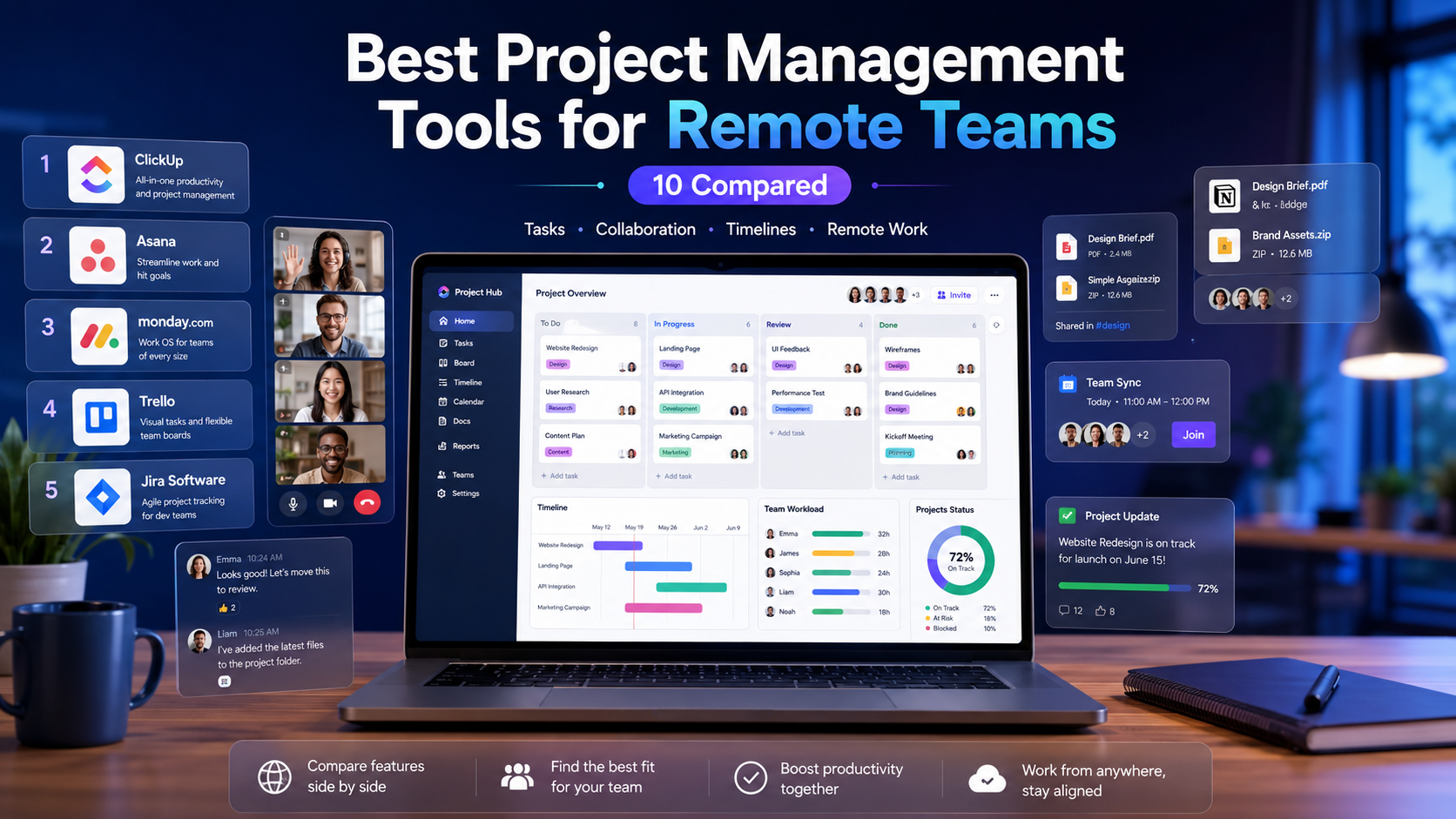
The best project management tools for remote teams in 2026 split by what you actually need: ClickUp for all-in-one consolidation at the lowest price, Linear for engineering teams who value speed, Asana for cross-functional workflows, Notion for docs-heavy teams, Monday for visual customization, and Trello for dead-simple kanban. For distributed teams specifically, async features (comments, recorded updates, timezone-aware views) matter more than feature count. We tested 10 tools with the remote-team lens — async support, offline reliability, mobile, and timezone handling — not just “does it have Gantt charts.”
This guide is for founders, ops leads, and team managers running distributed teams across timezones. The criteria are different from co-located teams: you need tools that work asynchronously, surface context without a meeting, and don’t fall apart when half the team is offline. We’ll rank by fit, show real pricing, and give you a decision path by team type and size.
Quick Answer: Best Tool by Team Type
For most remote SMB teams, ClickUp (Unlimited, $7/user/month) offers the best price-to-capability ratio. Engineering-only teams should pick Linear ($10/user) for its speed and keyboard-first workflow. Docs-and-knowledge-heavy teams fit Notion ($10/user). Agencies juggling many clients lean Asana or Monday. Bootstrapped teams who want flat pricing love Basecamp. If you just need shared kanban boards, Trello free is enough. The async winner across categories is the tool your team will actually update daily — adoption beats features.
What Actually Matters for Remote Teams
Async over real-time
Co-located teams can sync in a hallway. Distributed teams can’t, so the tool has to carry context. That means rich task comments, status that updates without nagging, and the ability to leave a recorded or written update that a teammate reads 8 hours later in another timezone. Tools that assume everyone is online at once (heavy on real-time chat, light on written context) hurt remote teams.
Single source of truth
When you can’t tap someone on the shoulder, the project tool becomes the team’s shared memory. It needs to hold not just tasks but the why — decisions, context, linked docs. This is where all-in-one tools (ClickUp, Notion) beat single-purpose ones for distributed work: the context lives next to the task.
Timezone and notification sanity
Good remote tools show due dates in each person’s timezone, batch notifications instead of pinging instantly, and let people set working hours. Bad ones blast notifications at 3am and create false urgency. This is an underrated differentiator most reviews ignore.
The 10 Tools, Ranked by Remote Fit
1. ClickUp — best all-in-one for distributed SMBs
$7/user/month (Unlimited). Tasks, docs, dashboards, time tracking, and goals in one place — the context-next-to-task that remote teams need. Async comments and recorded clips are solid. Downsides: feature overload slows onboarding, and the AI is a $9/user add-on. We covered the full breakdown in our honest ClickUp review.
2. Linear — best for remote engineering teams
$10/user/month. The fastest tool here — keyboard-first, near-instant everything, beautiful async updates. Built for distributed dev teams who live in issues and PRs. Downside: it’s engineering-only by design. Marketing and ops will find it too narrow. If your whole company isn’t shipping software, it’s the wrong fit.
3. Asana — best for cross-functional remote work
$12/user/month (Starter). Strong at workflows that span teams — marketing handing off to design handing off to dev. Timeline and workload views help distributed planning. Downside: the free tier caps at 10 users, and pricing climbs fast for larger teams. Polished but pricier than ClickUp for similar capability.
4. Notion — best for docs-heavy remote teams
$10/user/month. When your team’s work is half documentation and half tasks, Notion’s database-and-docs combo is unmatched for keeping context with work. Native AI is bundled. Downside: it’s a weaker pure project manager — no real Gantt, limited automations, and large workspaces get slow. See our Notion vs Obsidian comparison for the knowledge-management angle.
5. Monday.com — best for visual workflow customization
$9/user/month (Standard). Colorful, highly customizable boards that non-technical teams love. Good automation recipes. Downside: the free tier is tiny (2 users), and costs add up with required minimum seats. Great for teams who think visually; overkill for simple task lists.
6. Jira — best for established software teams
$7.75/user/month (Standard). The enterprise software standard — deep sprint, backlog, and reporting features. Downside: heavy, slow, and overkill for non-engineering or small teams. If you’re not doing formal agile at scale, the complexity isn’t worth it. Our Jira vs ClickUp vs Asana comparison covers when Jira’s depth pays off.
7. Trello — best for simple kanban
Free for 10 boards, $5/user/month paid. The simplest tool here — drag cards across columns, done. Perfect for small remote teams who don’t need complexity. Downside: it doesn’t scale to complex projects, and power-ups (the way you add features) get expensive and clunky. Great starter, easy to outgrow.
8. Basecamp — best flat-pricing for growing teams
$15/user/month or $349/month flat (unlimited users). Designed around async by philosophy — message boards, check-ins, and “no real-time pressure” baked in. The flat-rate plan is a steal for teams over 25. Downside: opinionated and inflexible — you work Basecamp’s way or not at all. No Gantt, limited customization.
9. Wrike — best for operations-heavy teams
$10/user/month (Team). Strong at resource management and proofing workflows — popular with marketing and creative ops teams. Downside: the interface feels dated next to Linear or Monday, and the learning curve is real. A solid niche pick rather than a default.
10. Height — best AI-native newcomer
Free tier available, paid from ~$8/user/month. The newest entrant, built AI-first — auto-triage, auto-grouping, and an “autonomous PM” angle. Promising for small remote teams who want AI doing the busywork. Downside: smaller ecosystem, fewer integrations, and the AI-first bet may or may not pan out. Worth watching, risky as a sole bet.
Pricing and Remote-Fit Comparison
| Tool | Entry paid | Free tier | Async fit | Best for |
|---|---|---|---|---|
| ClickUp | $7/user | Yes (100MB) | High | All-in-one SMBs |
| Linear | $10/user | Yes (250 issues) | High | Engineering |
| Asana | $12/user | Yes (10 users) | High | Cross-functional |
| Notion | $10/user | Generous | High | Docs-heavy |
| Monday | $9/user | 2 users | Medium | Visual workflows |
| Jira | $7.75/user | 10 users | Medium | Software at scale |
| Trello | $5/user | 10 boards | Medium | Simple kanban |
| Basecamp | $15/user or $349 flat | Trial only | Very high | Flat-price teams |
| Wrike | $10/user | Limited | Medium | Ops / creative |
| Height | ~$8/user | Yes | Medium | AI-first teams |
Real Scenarios: Which Tool for Which Remote Team
“5-person remote startup, mixed roles, tight budget.” ClickUp Unlimited at $7/user. One tool for tasks, docs, and tracking means no context scattered across apps — critical when you can’t sync in person.
“12-person distributed dev team across 4 timezones.” Linear. The speed and async issue updates keep everyone aligned without standups. Pair it with written updates in Slack or a wiki for non-engineering context.
“Remote marketing agency, 20 people, many clients.” Asana or Monday. You need cross-project visibility, client-facing views, and workflow handoffs. Monday if the team thinks visually; Asana if workflows are complex.
“30-person bootstrapped company tired of per-seat pricing.” Basecamp’s $349/month flat plan. At 30 users, you’re paying ~$11.60/user effectively, and it drops as you grow. The async philosophy fits remote culture.
“Solo founder or 2-3 person side project.” Trello free or Notion free. Don’t pay for heavy PM tooling at this size — you’ll spend more time configuring than working.
Common Pitfalls When Choosing
Buying for features you won’t use. The all-in-one tools tempt you with 50 features; teams use 5. Pick based on what your team will actually update daily, not the feature matrix.
Ignoring adoption cost. The best tool nobody updates is worthless. For remote teams, a simpler tool everyone uses beats a powerful tool half the team ignores. Run a 2-week trial with the actual team before committing.
Underestimating per-seat creep. $7/user looks cheap until you’re at 40 users plus AI add-ons. Calculate the annual cost at your projected headcount, not today’s. Flat-pricing tools like Basecamp win at scale.
Forgetting integrations. Your PM tool needs to talk to Slack, GitHub, your CRM, and your calendar. Check native integrations before committing — or budget for an automation layer. Our roundup of Make and n8n for automation covers connecting tools that don’t integrate natively.
Decision Framework
Pick ClickUp if you’re an SMB needing tasks + docs + tracking in one cheap tool and don’t mind a learning curve.
Pick Linear if you’re engineering-only and value speed and keyboard-first workflows above everything.
Pick Asana or Monday if you run cross-functional workflows across teams and have budget for $9–12/user.
Pick Notion if your work is documentation-heavy and you want context living next to tasks.
Pick Basecamp if you’re over 25 people, hate per-seat pricing, and embrace async-first culture.
Pick Trello if you want simple kanban and nothing more. Don’t overthink it for small teams.
Conclusion
The best project management tools for remote teams in 2026 aren’t about which has the most features — they’re about which one your distributed team will actually update every day, and which keeps context next to the work so nobody needs a meeting to understand status. ClickUp wins on price-per-capability for mixed SMB teams, Linear on speed for engineers, Asana and Monday on cross-functional polish, Basecamp on flat-rate async culture. Shortlist two, run a real 2-week trial with your actual team and a real project, and pick the one people update without being chased. Adoption is the whole game in remote work.
FAQ
What is the best project management tool for remote teams in 2026?
For most remote SMB teams, ClickUp offers the best balance of features and price ($7/user/month). Engineering teams should choose Linear for speed, docs-heavy teams Notion, and teams over 25 who dislike per-seat pricing should look at Basecamp’s flat plan. The best tool is ultimately the one your team will consistently update.
Which project management tool is best for async work?
Basecamp is built around async-first philosophy with message boards and check-ins. ClickUp and Notion also score high because they keep context (decisions, docs) next to tasks. Avoid tools that lean heavily on real-time chat and light on written context — they assume everyone’s online at once, which breaks across timezones.
Are free project management tools good enough for remote teams?
For small teams (under 10) doing straightforward work, yes — Trello free, Notion free, or ClickUp free can cover the basics. The limits show up with file storage, user count, and automation. Most teams upgrade within a few months once they hit a real constraint.
How much should a remote team budget for PM software?
Expect $7–15/user/month for most paid plans. A 10-person team runs $70–150/month; add AI features and it climbs. Flat-pricing options like Basecamp ($349/month unlimited) become cost-effective above 25 users. Always calculate at your projected headcount, not current.
Should remote teams use one all-in-one tool or several specialized ones?
For distributed teams, one all-in-one tool (ClickUp, Notion) often wins because context stays in one place — critical when you can’t ask in person. Specialized tools (Linear for dev, Figma for design) are worth it when one function is your core work. The tradeoff is fewer apps to check vs best-in-class per function.
What’s the easiest PM tool for a non-technical remote team?
Trello for pure simplicity, or Monday.com for visual customization that non-technical people find intuitive. Both have gentle learning curves. Avoid Jira and Linear for non-technical teams — they’re built for engineers and feel alien to everyone else.