
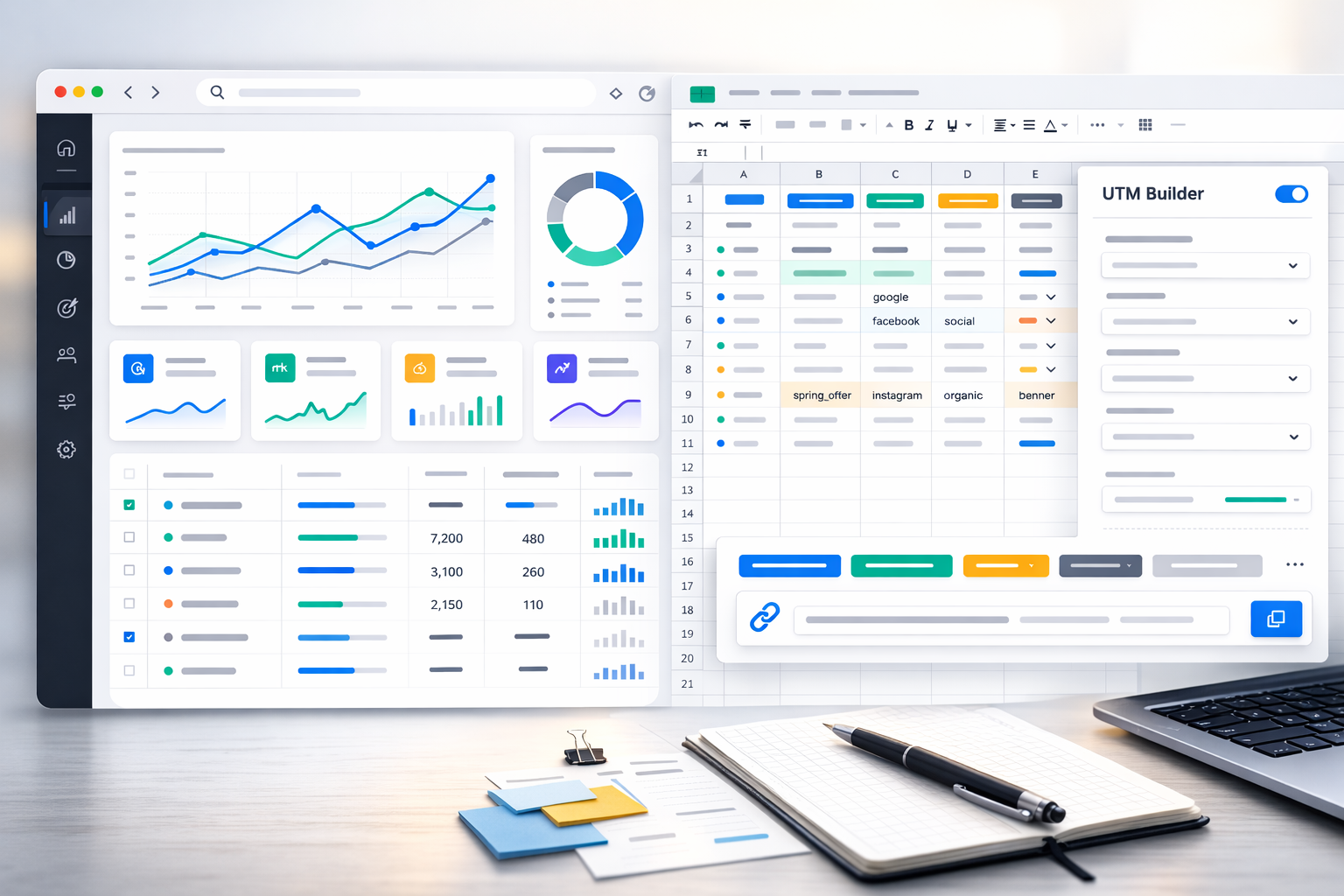
UTM parameters are the simplest way to stop guessing where leads and sales come from. If you run an SMB and marketing happens across multiple channels (Google Ads, Meta, TikTok, email, messengers, partners), analytics gets messy fast: traffic sources blend together, campaigns become impossible to compare, and ROI conversations turn into opinions.
This guide keeps it practical: what UTM parameters are, how to name them so reports stay clean in 2026, how to avoid the most common mistakes, and how to set up a lightweight “UTM hub” in Google Sheets (templates + formulas) so the whole team generates links consistently.
Table of contents
- What UTM parameters are (and why SMB teams need them)
- The 5 UTM parameters: meaning and best use
- Naming rules (2026): keep reports scalable
- Google Sheets templates: builder, dictionaries, QA checks
- Ready examples for common channels
- Common mistakes and how to catch them early
- GA4 + CRM + messengers: practical considerations
- One table checklist before you launch
- FAQ
What UTM parameters are (and why SMB teams need them)
UTM parameters are small tags added to the end of a URL. They pass structured information into analytics tools (like GA4) so you can see which source, channel type, and campaign generated a session, lead, or purchase. A typical link looks like: ?utm_source=…&utm_medium=…&utm_campaign=….
Why this matters so much for SMB teams:
- One person runs multiple channels. UTMs prevent “memory-based” reporting.
- Budgets are tight. Misattribution means wasted spend.
- Conversions often happen outside the website. Leads go to a CRM or messenger—UTMs help stitch the story.
- Dark traffic is real. Messengers, copied links, QR codes—without UTMs this becomes “Direct / None”.
The goal isn’t “adding UTMs”. The goal is consistent, readable, scalable naming so reports stay usable when you run more campaigns and more people touch links.
The 5 UTM parameters: meaning and best use
There are five classic UTM fields. You don’t always need all five, but a reliable minimum is utm_source, utm_medium, and utm_campaign.
utm_source — the source
Source answers “where did this traffic come from?”. Examples: google, facebook, instagram, tiktok, newsletter, telegram, partner, referral-site. Treat it as a controlled vocabulary. If people invent new source names freely, your reports fragment fast.
utm_medium — the traffic type
Medium answers “what kind of channel is this?”. Examples: cpc, paid_social, social, email, sms, messenger, affiliate, referral, qr, offline. A common mistake is using medium as a platform name (facebook) or as a campaign label (sale). Medium should be a category.
utm_campaign — the campaign name
Campaign answers “which launch was this?”. Keep it readable. A practical structure for SMB is: product/service + objective + geo/market + time window. Example: morpheus_leads_zp_2026q1 or crm_demo_ua_spring26.
utm_term and utm_content — optional detail
utm_term started as a keyword field for paid search, but many teams now use it for segments, audiences, placements, or targeting buckets. utm_content is great for creative/version tracking: video_15s, banner_a, headline_b, btn_green.
Practical rule: it’s fine if utm_content produces many values (creative testing), but source/medium must stay stable, otherwise dashboards become impossible to maintain.
Naming rules (2026): keep reports scalable
UTMs only work long-term if you enforce simple rules. Here’s a compact standard that fits most SMB teams and prevents 90% of reporting chaos:
- Lowercase only. GA4 treats Facebook and facebook as different values.
- No spaces, no non-Latin characters inside UTM values. Use underscore or hyphen.
- One separator style across the company (choose _ or – and stick to it).
- Controlled dictionary for utm_source and utm_medium.
- Readable campaign names that make sense months later.
- Don’t pack platform IDs into utm_campaign. Store IDs elsewhere (Sheets/CRM/BI connectors).
Recommended minimum campaign naming for SMB:
- utm_campaign = {product_or_service}_{objective}_{geo_or_market}_{period}
- Example: cosmetology_morpheus_leads_zp_2026q1
- Example (no geo): crm_demo_b2b_ua_2026q1
For social platforms, a clean approach is: utm_source=facebook (or instagram/tiktok) and utm_medium=social for organic, utm_medium=paid_social for ads. This keeps channel grouping intuitive and future-proof.
Google Sheets templates: builder, dictionaries, QA checks
The easiest way to enforce consistency is to stop creating UTMs manually. Build one Google Sheet where the team selects values from dropdowns and the final URL is generated automatically. A good “UTM hub” includes:
- Dictionaries (approved utm_source and utm_medium lists)
- UTM Builder (base URL + dropdowns → final tracking link)
- QA checks (uppercase, spaces, missing required fields, duplicates)
Suggested file tabs
- README: rules, examples, and “what to do when you need a new value”.
- Dictionary: lists for source/medium (+ optional campaign templates).
- UTM Builder: the link generator table.
- QA: quality checks and an “issues” view.
- Log (optional): created_by, created_at, channel owner.
Recommended columns for the UTM Builder
- A: base_url — destination URL (no UTMs).
- B: utm_source — dropdown.
- C: utm_medium — dropdown.
- D: utm_campaign — structured campaign name.
- E: utm_content — creative/version (optional).
- F: utm_term — audience/placement/segment (optional).
- G: final_url — formula output.
Final URL formula (Google Sheets)
This pattern works well: detect whether the base URL already has “?” and then append parameters. Use ENCODEURL to avoid broken characters.
=IF(A2="","",
  A2 &
  IF(REGEXMATCH(A2,"\?"),"&","?") &
  "utm_source=" & ENCODEURL(B2) &
  "&utm_medium=" & ENCODEURL(C2) &
  "&utm_campaign=" & ENCODEURL(D2) &
  IF(E2<>"","&utm_content=" & ENCODEURL(E2),"") &
  IF(F2<>"","&utm_term=" & ENCODEURL(F2),"")
)
Set data validation dropdowns for source and medium, so people can’t create new variants by accident. This alone usually cleans up GA4 reports dramatically.
QA checks that catch most issues
- Uppercase detection (values must be lowercase).
- Space detection (use underscore/hyphen).
- Required fields (source/medium/campaign must exist).
- Duplicate final URLs (indicates missing creative differentiation).
# Uppercase check (example for B2)
=IF(REGEXMATCH(B2,"[A-Z]"),"ERROR: uppercase","OK")

# Spaces check
=IF(REGEXMATCH(B2," "),"ERROR: spaces","OK")

# Required fields check (A2:D2)
=IF(OR(A2="",B2="",C2="",D2=""),"ERROR: required empty","OK")
Ready examples for common channels
Use these as starting points. Don’t copy the exact words—copy the structure and plug in your product, objective, and time window.
Google Ads (search)
- utm_source=google
- utm_medium=cpc
- utm_campaign=cosmetology_morpheus_leads_zp_2026q1
- utm_term=keyword_cluster_a (optional)
- utm_content=rsagroup_1 (optional)
Tip: Google has auto-tagging (gclid) and strong native reporting, but UTMs are still useful for cross-channel consistency and CRM/BI workflows.
Meta / Instagram ads
- utm_source=facebook (or instagram if you split platforms)
- utm_medium=paid_social
- utm_campaign=crm_demo_b2b_ua_2026q1
- utm_content=video_15s_hook_a
- utm_term=retargeting_7d (or prospecting_interest_x)
Email campaigns
- utm_source=newsletter
- utm_medium=email
- utm_campaign=spring_offer_2026w10
- utm_content=button_main (or link_1)
Messengers (Telegram/Viber/WhatsApp)
Messenger traffic is often “dark” because links get forwarded, copied, or opened in different apps. That’s exactly why UTMs matter here.
- utm_source=telegram
- utm_medium=messenger
- utm_campaign=onboarding_flow_v1_2026q1
- utm_content=msg_03_button
QR / offline
- utm_source=offline
- utm_medium=qr
- utm_campaign=flyer_a5_store_2026q1
- utm_content=counter_1
Common mistakes and how to catch them early
If you already use UTMs but reports still look messy, it’s usually one of these:
- Inconsistent casing: Facebook vs facebook becomes two sources.
- Spaces and special characters: “paid social” or “spring 2026” breaks filters and readability.
- Medium confusion: cpc vs ppc vs paid — makes channel comparisons unreliable.
- Over-fragmented campaigns: every micro-change becomes a new utm_campaign, killing aggregation.
- Partial tagging: some links have UTMs, others don’t, inflating “Direct”.
- Redirects or shorteners stripping query parameters.
A simple weekly habit: in GA4, review the last 7–14 days of source/medium/campaign values and scan for weird variants. If you see fb, FaceBook, facebook_ads, it’s a process problem—not an analytics problem. Centralize link creation in the Sheet and lock dictionaries.
GA4 + CRM + messengers: practical considerations
UTMs work best when your data chain doesn’t break: ads/content → landing page → form/call/messenger → CRM → sale. Ideally UTMs are stored both in GA4 and in the CRM lead/deal record.
- Website forms: map utm_* into hidden fields and save them in your CRM.
- Calls: if you use call tracking, confirm it passes UTMs into the lead/deal.
- Messengers: consider a short landing page before the deep link, or ensure your bot stores the parameters (but expect some loss).
- Cross-domain flows: if checkout/booking is on another domain, verify UTMs survive redirects.
2026 reality: privacy restrictions and tracking limitations keep increasing. UTMs remain a robust baseline because they don’t rely on cookies the same way many other identifiers do. That’s why disciplined UTMs often “save” reporting when other signals degrade.
One table checklist before you launch
| Check | Best practice | Typical mistake |
|---|---|---|
| utm_source / utm_medium | From dictionary, lowercase, no spaces | fb, FaceBook, paid social |
| utm_campaign | Structure: product_objective_geo_period | sale, test1, campaign_new |
| Tag completeness | At least source + medium + campaign | Only source or only campaign |
| Redirect safety | UTMs remain after redirects/shorteners | Query parameters get stripped |
| CRM capture | UTMs stored on lead/deal | GA4 has UTMs, CRM is empty |
| Single link generator | All links generated from the Sheet | People type UTMs manually |
If you want this to be “set and forget”, assign an owner for the dictionaries and do a short monthly audit: new variants, broken redirects, and whether UTMs reach the CRM.
FAQ
Do I need UTMs if Google Ads has auto-tagging (gclid)?
Often, yes. gclid is great inside Google’s ecosystem, but UTMs are universal across channels and easier to store in CRMs, spreadsheets, and BI dashboards. For SMB reporting discipline, UTMs remain a practical baseline.
Which three UTM parameters are mandatory?
Minimum: utm_source, utm_medium, utm_campaign. Without them, cross-campaign comparisons quickly become unreliable.
How should I tag organic social vs paid social?
Keep it simple: organic uses utm_medium=social, paid uses utm_medium=paid_social. Keep utm_source as the platform name (facebook/instagram/tiktok).
Can I use non-Latin characters in UTMs?
You technically can, but it’s not recommended. Encoding makes values harder to read and increases the chance of broken filters and integrations. Use lowercase Latin characters, numbers, and underscores/hyphens.
How do I prevent chaos when multiple people create tracking links?
Use a single Google Sheets UTM Builder with dictionaries, dropdown validation, and QA checks. Agree that links are generated only there, and assign an owner to maintain the approved source/medium lists.